Skip to content
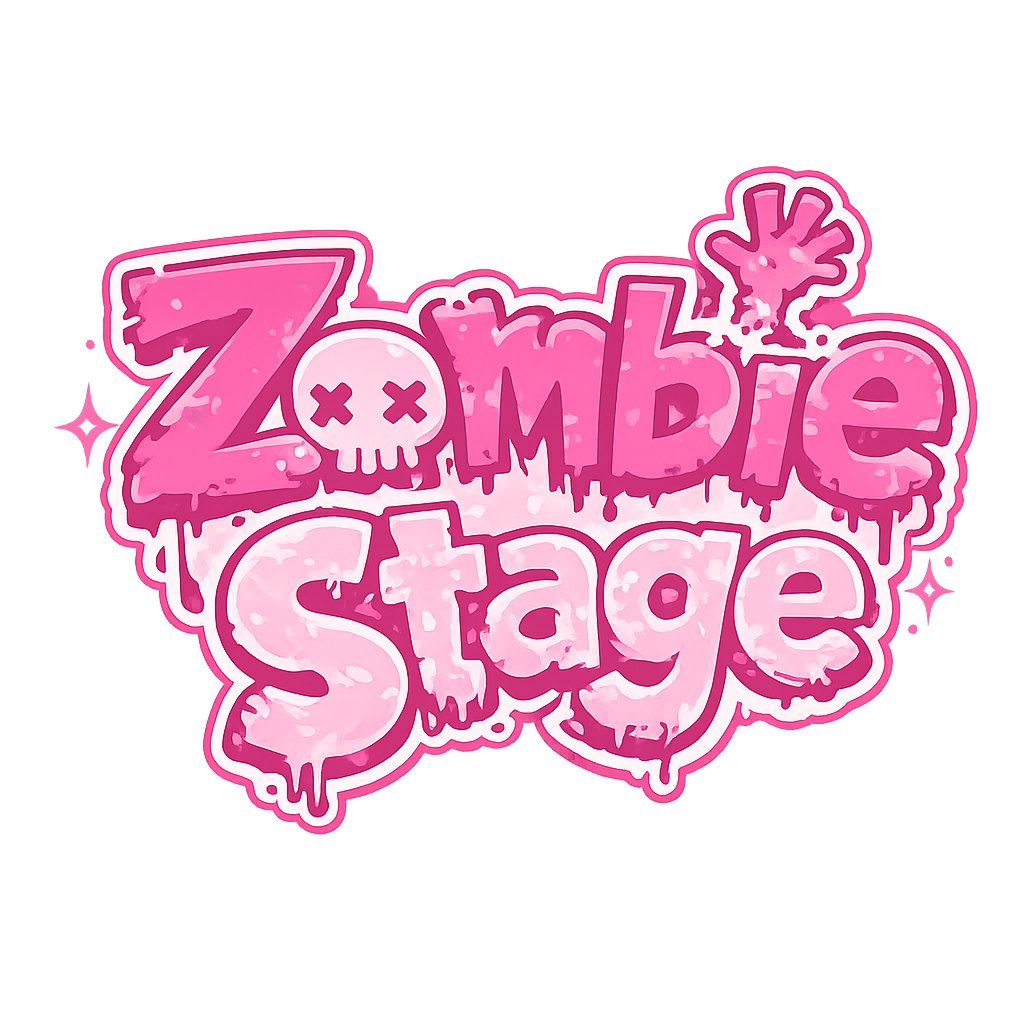
Zombie Stage

Source-first resources

Zombie Stage Wallpapers

Looking for a Zombie Stage background, phone wallpaper or logo reference? Start with the original source, keep the crop honest and credit the work. This page collects safe places to begin instead of re-hosting official art.

01 / Official video

Use the frame, not a repost

VIVINOS's YouTube uploads are the cleanest starting point for a Zombie Stage background. Pause the official video, check the upload context and keep any watermark or credit visible.

Visit VIVINOS on YouTube

02 / Curated art

Gallery images with context

The site gallery separates song visuals, portraits, concept art and promo material. Open the album page before saving an image so the original source and rights note travel with it.

Browse the Zombie Stage gallery

03 / Artist reference

Palette and character notes

Need a color reference rather than a wallpaper? The Artist Resource Hub collects palettes, height notes and reference links for fan art. Treat community notes as references, not official model sheets.

Open the Artist Resource Hub

04 / Round 1

Find the visual context first

Round 1's recap records the official release trail, the episode world and the distinction between an official visual and a fan interpretation. It is a better source than a cropped repost.

Read the sourced Round 1 recap

05 / Round 2

Check the teaser source

A teaser crop is not automatically a Round 2 wallpaper or an official logo asset. Use the teaser guide to separate the verified 2026 preview from fan edits and unconfirmed predictions.

Read what the teaser confirms

06 / Logo use

Reference, do not impersonate

A Zombie Stage logo reference can help with a fan layout, but a fan graphic should not look like an official download, poster or store asset. Keep the project name and source visible.

Read the site's usage context

Wallpaper setup

Make a background that still credits the source

For a desktop wallpaper, start with a wide frame and leave the center quiet enough for icons. For a phone wallpaper, crop around the subject rather than stretching a 16:9 frame. A dark gradient behind text improves legibility without repainting the original art.

Save the source URL beside the image. If the original post is deleted, the credit trail should still tell you where the visual came from. Do not remove a watermark, sell an unlicensed pack or describe a fan edit as an official Zombie Stage background.

  • Desktop: keep a 16:9 crop
  • Phone: protect the subject from the clock
  • Logo: keep clear space around it
  • Always: preserve source attribution
Crop guide Leave room for the story. Use the source image, then add your own layout treatment.

Rights and attribution

No unofficial download bundle here

Zombie Stage, Alien Stage, the characters, logos and official artwork remain with VIVINOS, SCALAR and STUDIO LICO. This fan hub links to sources and commentary. It does not grant permission to redistribute, sell or claim ownership of any official image.

For a visual already hosted on this site, use the source note on its album page and follow the rights-holder request process in the site's DMCA page.